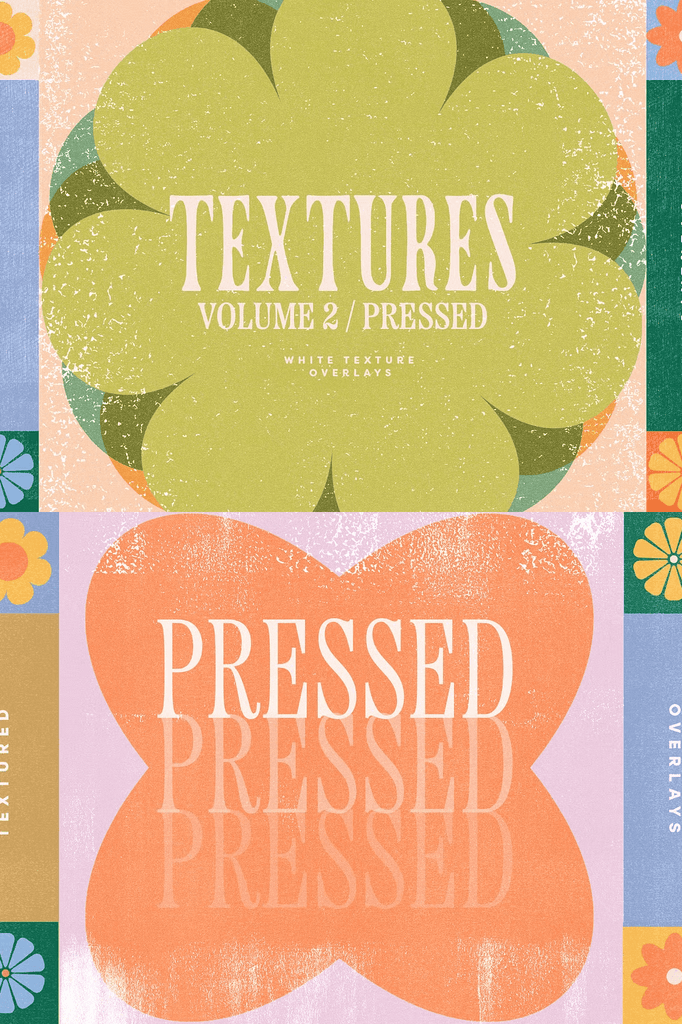
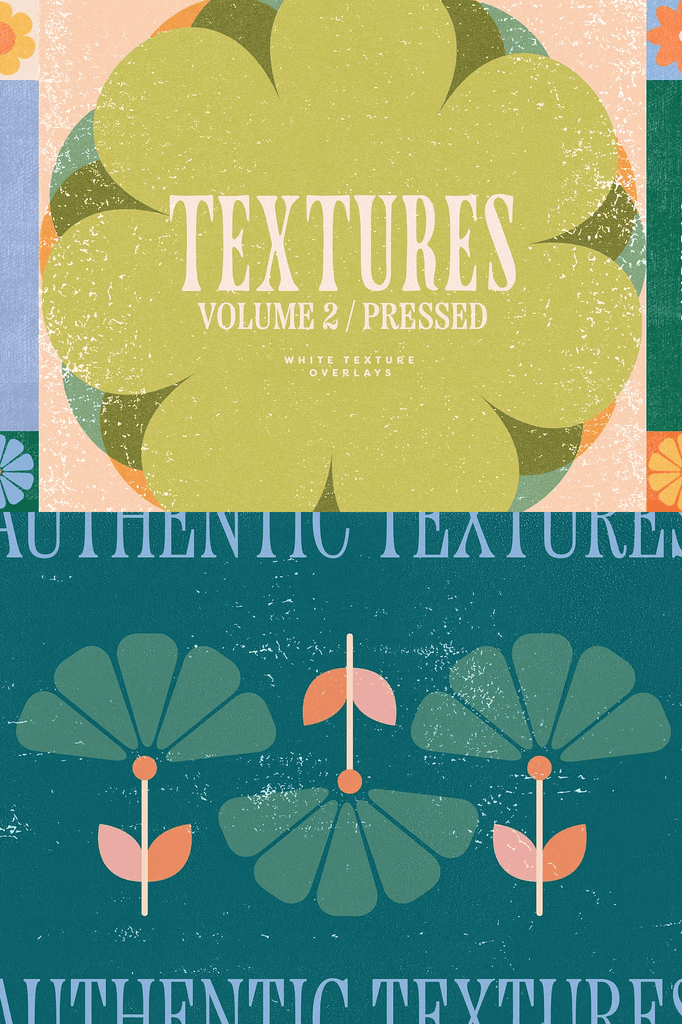
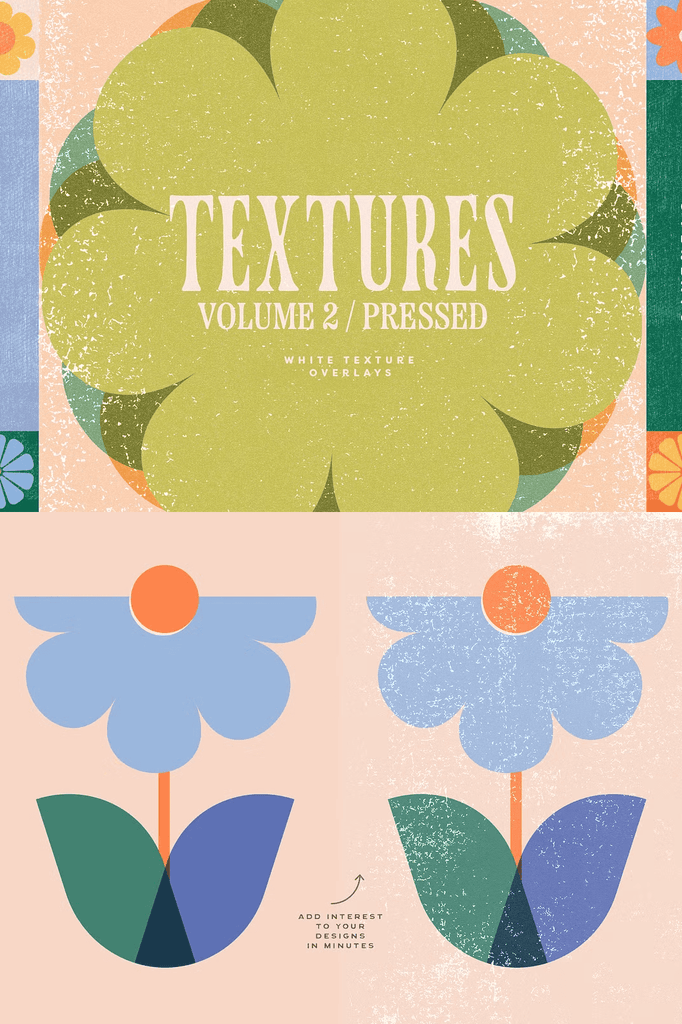
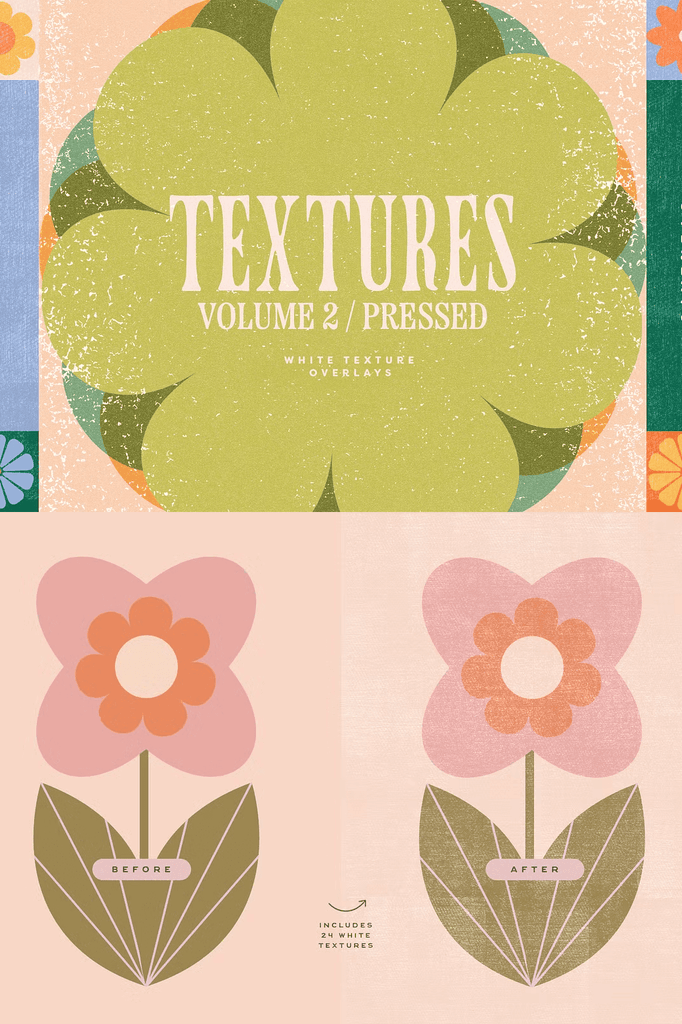
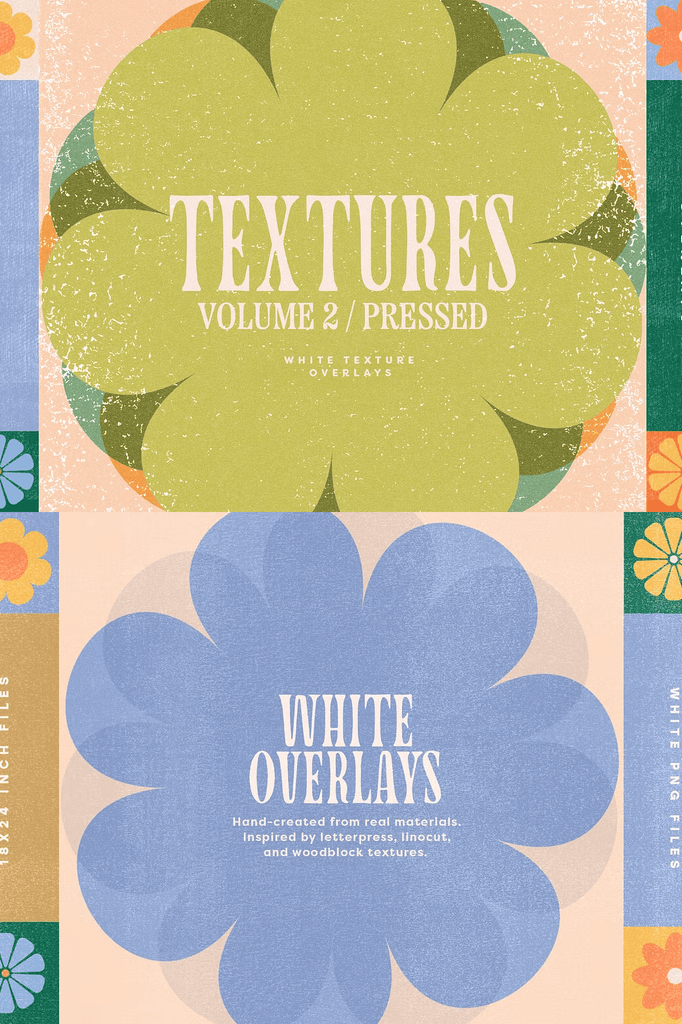
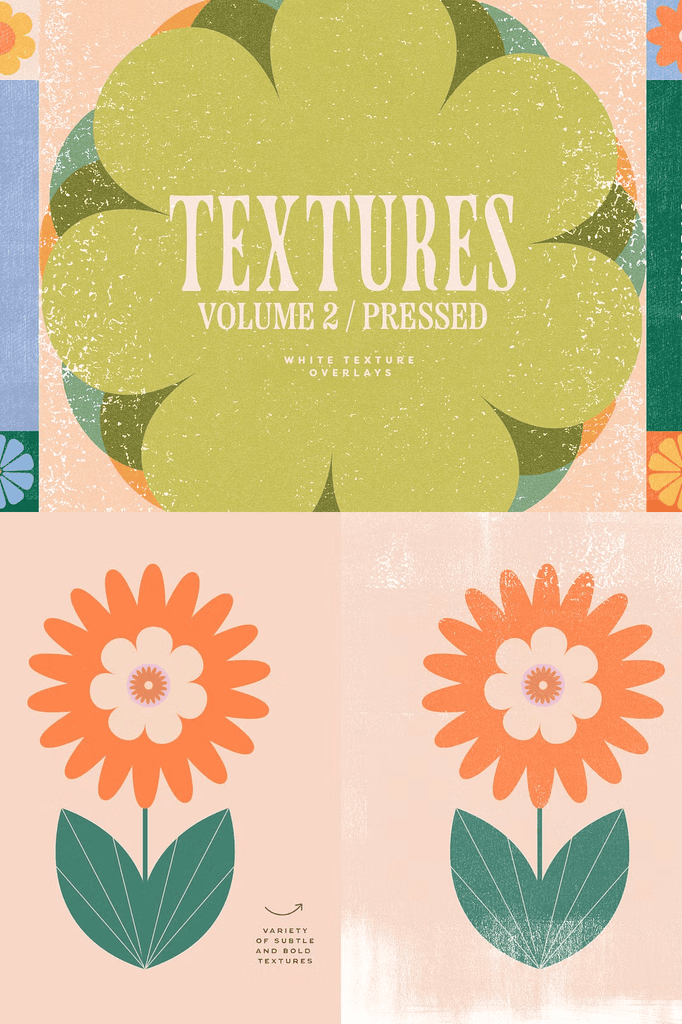
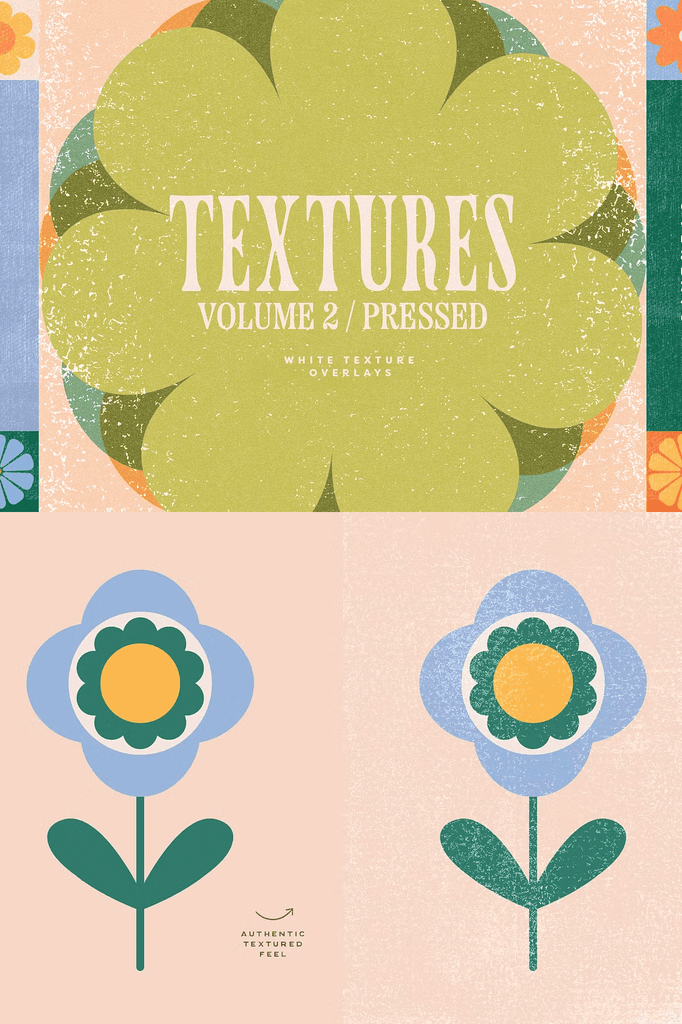
This is a collection of 24 white texture overlays inspired by the tactile effects of letterpress, linocut, and woodblock printing techniques. Add interest to your illustrations and graphic design projects in a simple and quick way.
These white, see-through textures are perfect for overlaying on top of your artwork. They instantly add a hand-made feel to your work.
Why Print-Inspired Texture Overlays Work for Modern Design
Digital designs often look too clean and clinical. Print-inspired textures restore the warmth and imperfection of analog production. As a result, your work gains authenticity and visual depth that flat graphics cannot achieve.
Moreover, the letterpress and linocut references tap into a beloved artisanal aesthetic. In addition, the white tones layer beautifully over photography, illustrations, and colored backgrounds. Consequently, these overlays suit an enormous range of creative projects.
What Is Included with Purchase
- 24 white texture overlays in PNG format at 300 DPI
- Vertical dimensions of 18 x 24 inches, equivalent to 5400 x 7200 px
- All backgrounds in PNG format, usable in many programs such as Photoshop, Procreate, and Canva
Every file is prepared for immediate use. The transparent PNG format makes layering simple across any composition. In addition, the high resolution ensures crisp reproduction in both print and digital formats.
Perfect Uses for These Texture Overlays
- Illustrations and digital artwork
- Graphic design projects
- Branding and packaging
- Social media graphics and stories
- Posters and print-inspired layouts
- Photo editing and vintage effects
- Editorial layouts and magazine spreads
- Album covers and music artwork
- Zines and independent publications
- Print-on-demand products
Whether you design for clients or create personal projects, these overlays add a handcrafted feel with minimal effort. Furthermore, the subtle quality keeps your designs refined rather than heavy.
How to Customize the Texture Effect
Adjust the intensity by playing with opacity or layering different textures on top of each other. As a result, you can create subtle grain or bold tactile texture depending on your project.
In addition, you can experiment with blend modes such as Soft Light, Overlay, Multiply, or Screen. Consequently, the same texture can produce completely different visual effects.
How to Use the White Texture Overlays
Start by placing your base image or design on the canvas. Next, add a texture overlay on a new layer above it. Then experiment with opacity and blend modes to achieve the desired effect.
Because the files are transparent, layering stays clean and controllable. As a result, you can fine-tune the effect to match any project’s mood.
Important Note
Please kindly note that mockups and illustrations are not included with purchase. They appear for presentation purposes only.
Download the White Texture Overlays Today
This collection combines 24 press-inspired texture overlays, high-resolution PNG files, and a handcrafted aesthetic in one convenient download. It gives designers, illustrators, and content creators everything needed to add print texture to their work.
Download these white texture overlays today and bring letterpress charm, linocut texture, and handmade authenticity to your illustrations, graphic designs, and creative projects.