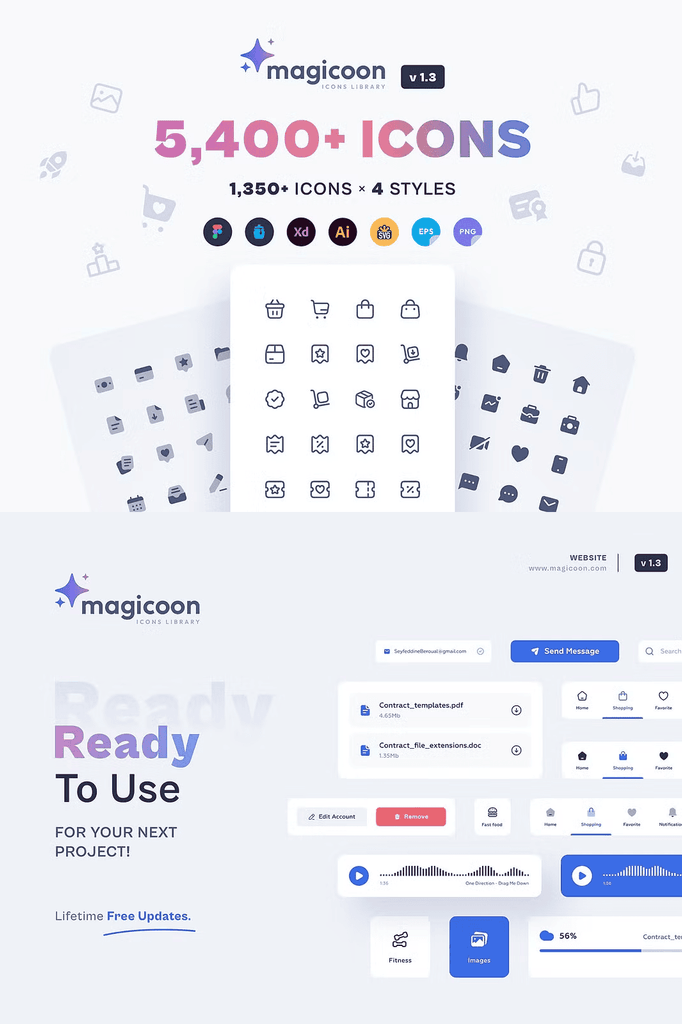
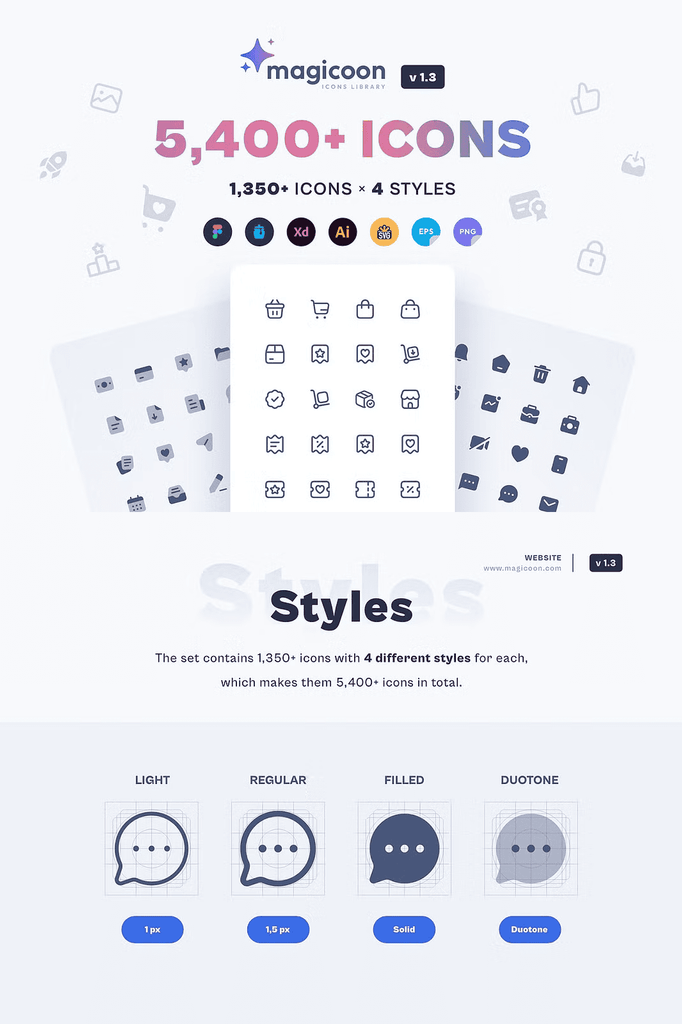
magicoon is a high-quality vector UI icons library that provides multiple formats and styles, made for designers and developers. The icons library allows you to work on many different projects for one client without hunting for new assets each time.
With thousands of icons across dozens of categories, this collection covers nearly every interface need. As a result, you can build complete design systems, dashboards, and mobile apps using one consistent icon source.
Why magicoon Works for Every Project Size
magicoon fits big or small projects with equal strength. Companies and freelancers both benefit from the enormous range and consistent style. In addition, the library supports websites, apps, and dashboards, so you never need to mix icon sets again.
Anyone with multiple projects for one client gains the biggest advantage. Because the icons share a unified design language, your work stays visually consistent across every deliverable. Consequently, clients receive a cohesive brand experience from landing page to admin panel.
What You Get in This UI Icons Library
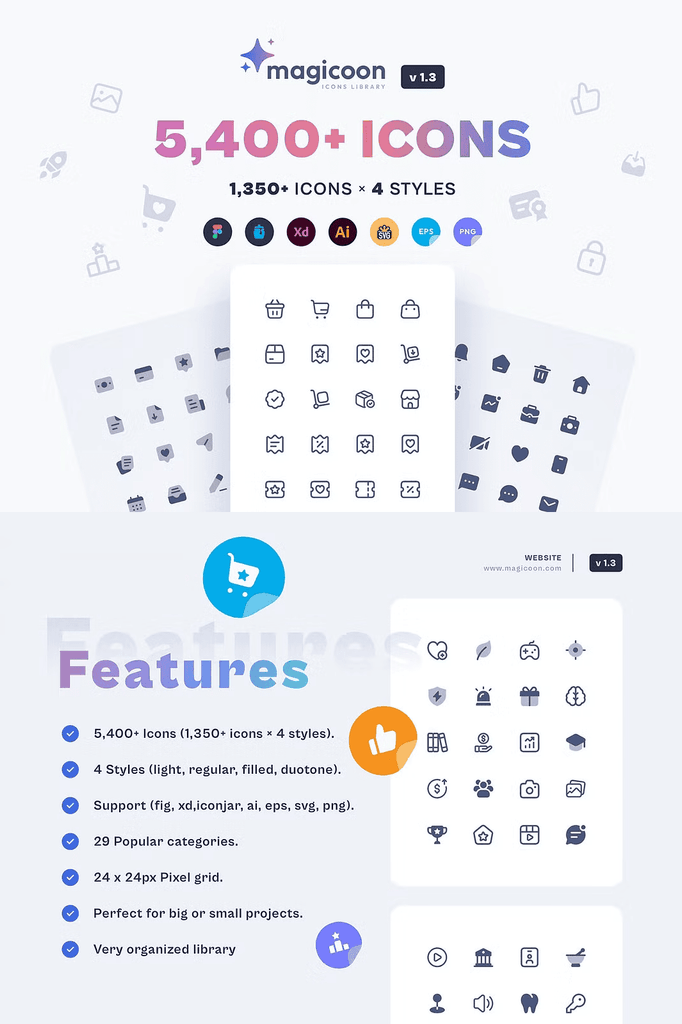
- 5,400+ icons, built from 1,350+ unique icons across 4 styles
- 7 formats: Figma, Adobe XD, IconJar, AI, EPS, SVG, PNG
- 4 styles: Light, Regular, Filled, Duotone
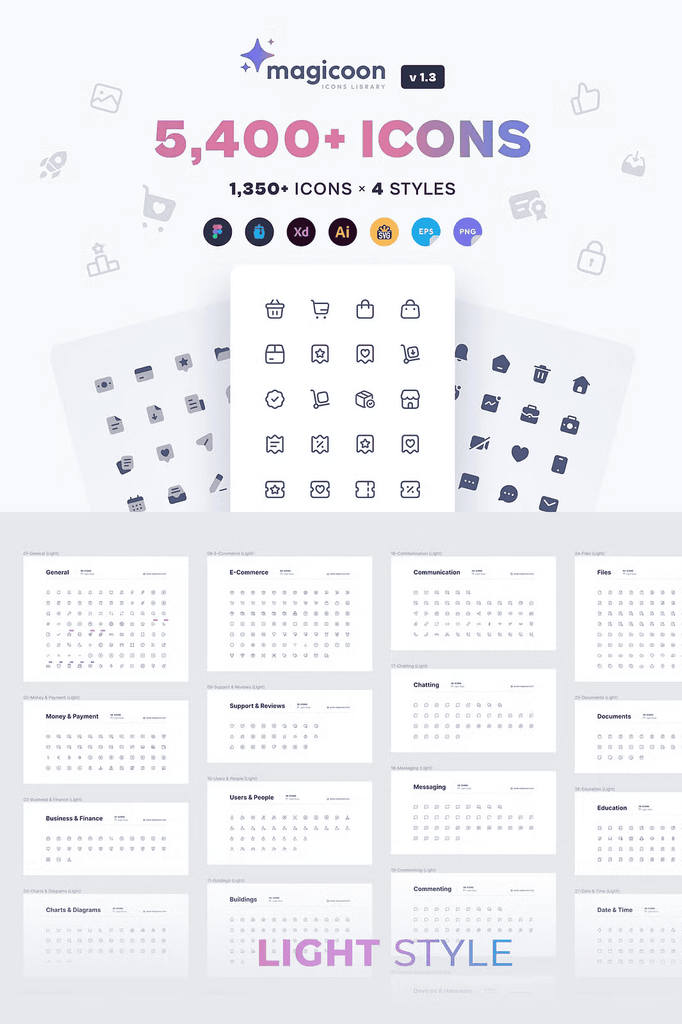
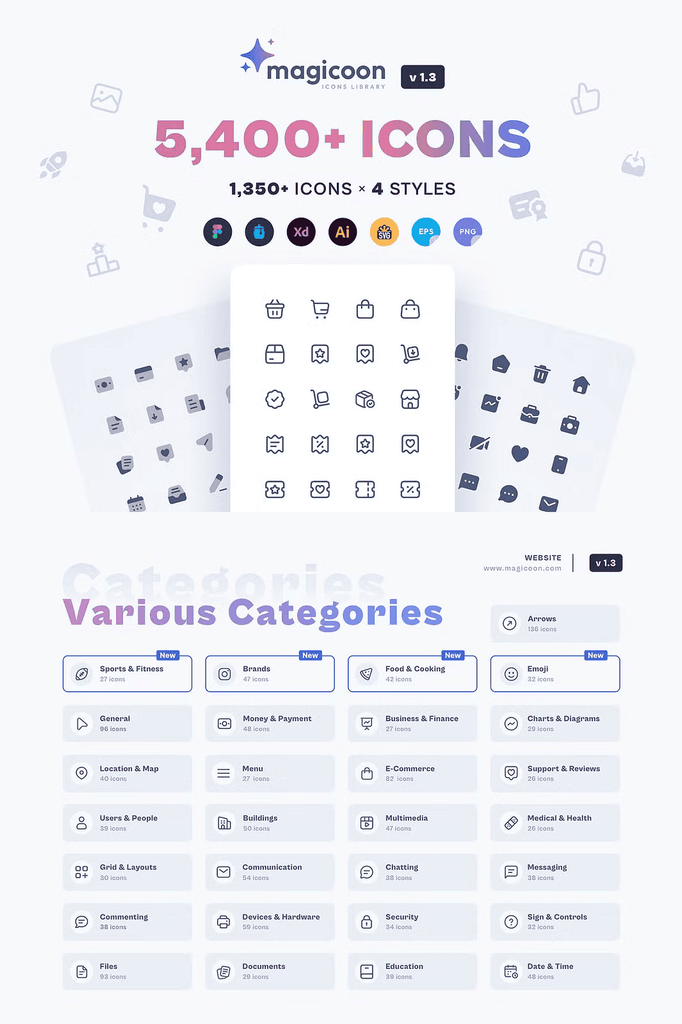
- 29 popular categories
Every icon arrives ready for immediate use. The multiple formats cover modern design tools, while the four styles let you match any visual weight or interface mood. Furthermore, the SVG and AI files remain fully editable, so you can recolor, resize, and reshape icons to fit brand guidelines.
Explore All 29 Icon Categories
The library organizes icons into practical, well-labeled categories:
- General (96 icons)
- Money and Payment (48 icons)
- Business and Finance (27 icons)
- Charts and Diagrams (29 icons)
- Location and Map (40 icons)
- Menu (27 icons)
- Sports and Fitness (27 icons)
- E-Commerce (82 icons)
- Support and Reviews (26 icons)
- Users and People (39 icons)
- Buildings (50 icons)
- Multimedia (47 icons)
- Medical and Health (26 icons)
- Grid and Layouts (30 icons)
- Brands (47 icons)
- Communication (54 icons)
- Chatting (38 icons)
- Messaging (38 icons)
- Commenting (38 icons)
- Devices and Hardware (59 icons)
- Security (34 icons)
- Sign and Controls (32 icons)
- Food and Cooking (42 icons)
- Files (93 icons)
- Documents (29 icons)
- Education (39 icons)
- Date and Time (48 icons)
- Arrows (136 icons)
- Emoji (32 icons)
Because the categories cover commerce, communication, media, and everyday utilities, you can assemble entire interfaces without leaving the pack. In addition, the Arrows category alone provides 136 options, giving you precise control over navigation and interaction cues.
Version Updates and Continuous Improvement
The library keeps growing with regular updates. Version 1.3 launched on January 3, 2023, and earlier releases already refined and expanded the collection:
- v1.1: Improved cursor, cursor-click, taxi, rocket, and rocket-launch in the General category
- v1.2: Added shoes, shirt, pants, bed-front, and quote to General, plus lamp-desk and weight-scale to Devices and Hardware
- v1.3: Introduced new Sports and Fitness, Brands, Food and Cooking, and Emoji categories
These updates demonstrate a commitment to quality and growth. As a result, your purchase gains value over time as new icons arrive.
How to Use magicoon in Your Workflow
Start by opening the Figma or Adobe XD file for quick drag and drop placement. Next, choose the style that matches your interface weight. Then export finished screens using the SVG or PNG files as needed.
For branding work, open the AI or EPS files and recolor icons to match client palettes. Because every format stays synchronized, your designs remain consistent across tools and platforms.
Download magicoon Today
magicoon delivers 5,400+ icons, 7 formats, 4 styles, and 29 categories in one comprehensive library. It gives designers and developers everything needed to build polished, consistent interfaces fast.
Download this UI icons library today and streamline every website, app, and dashboard project you touch. For questions, contact the team at contact@magicoon.com.