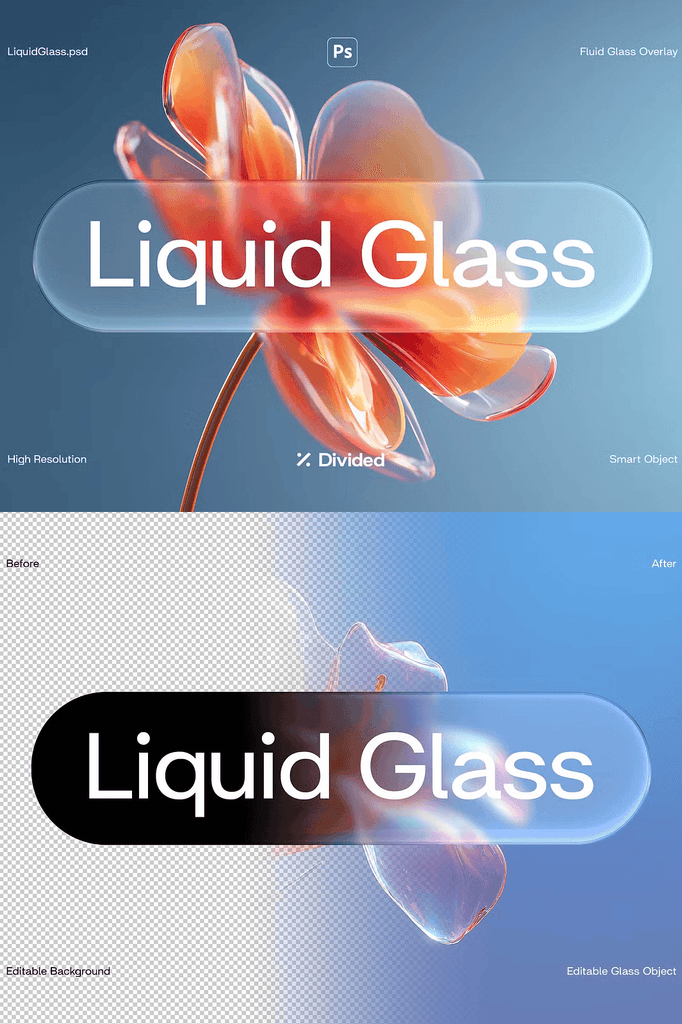
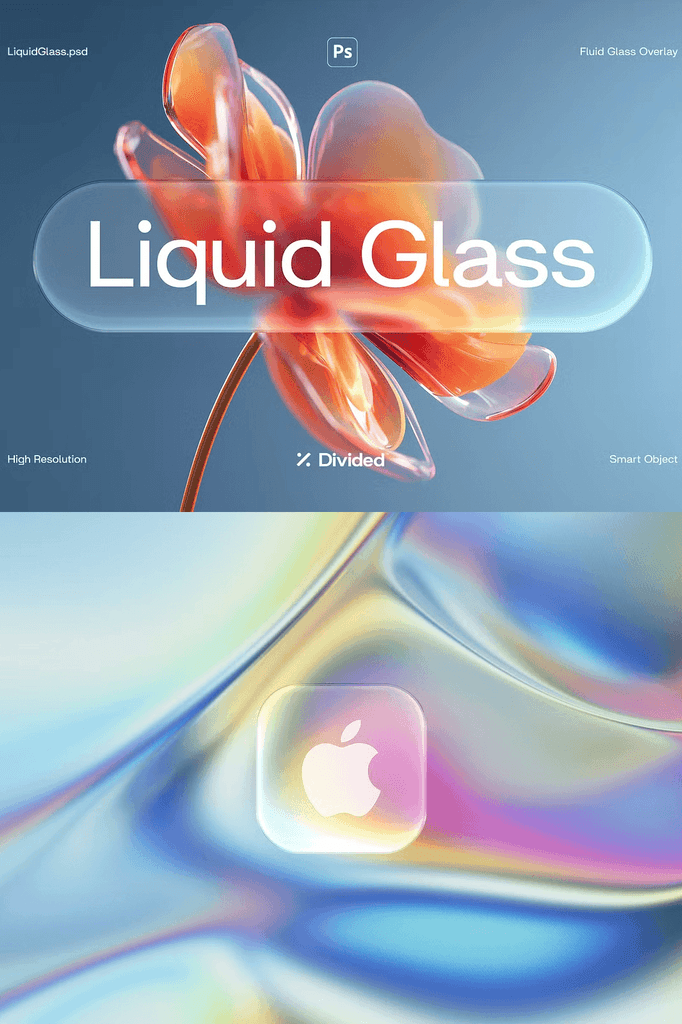
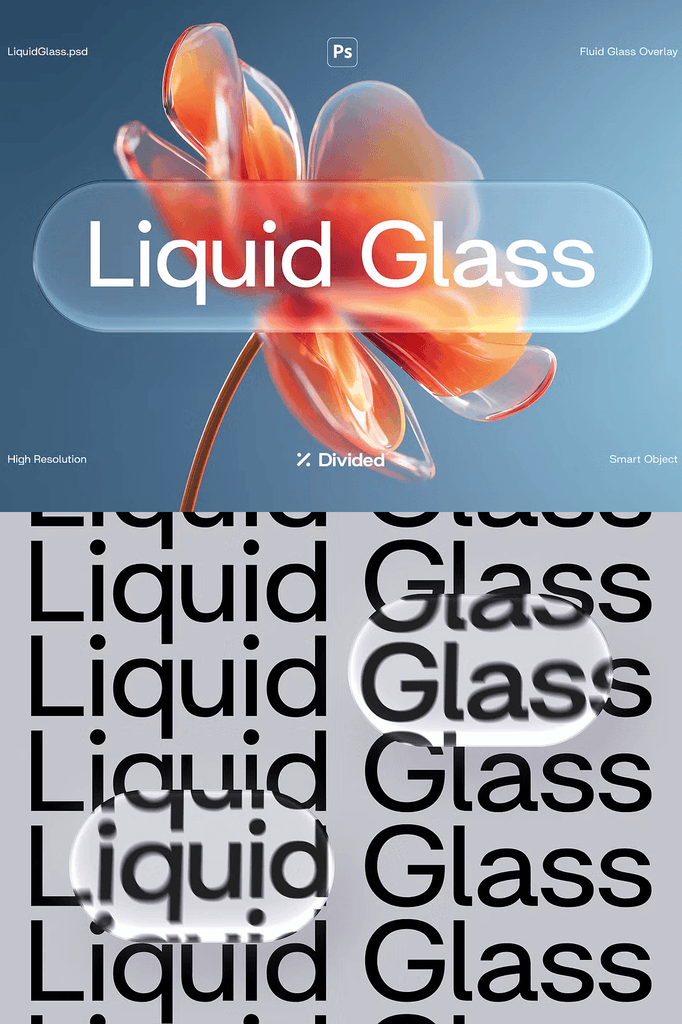
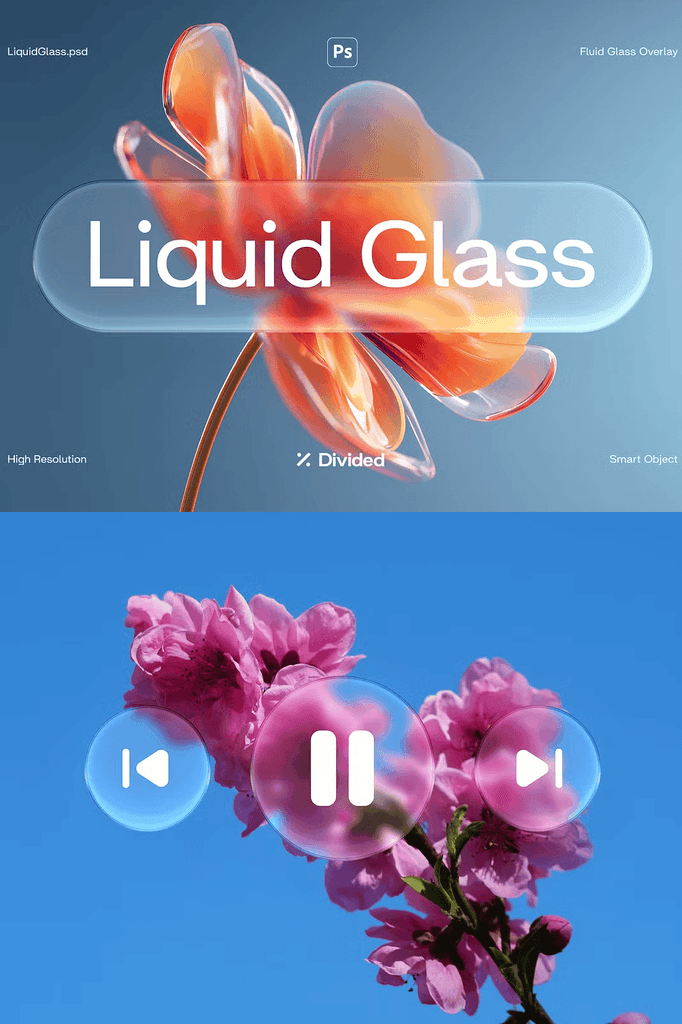
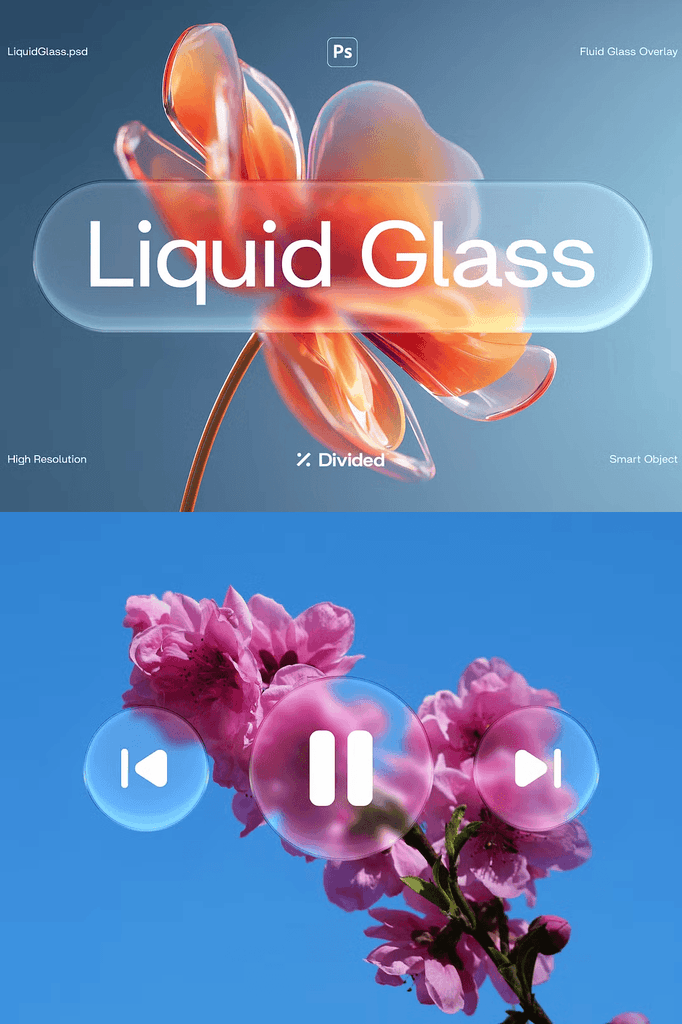
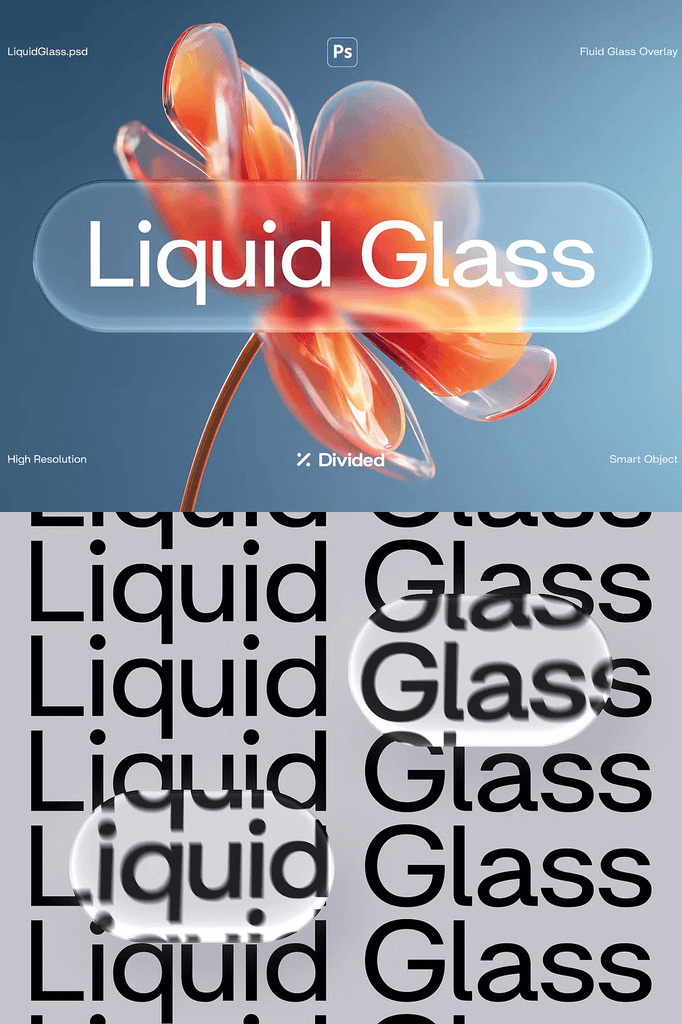
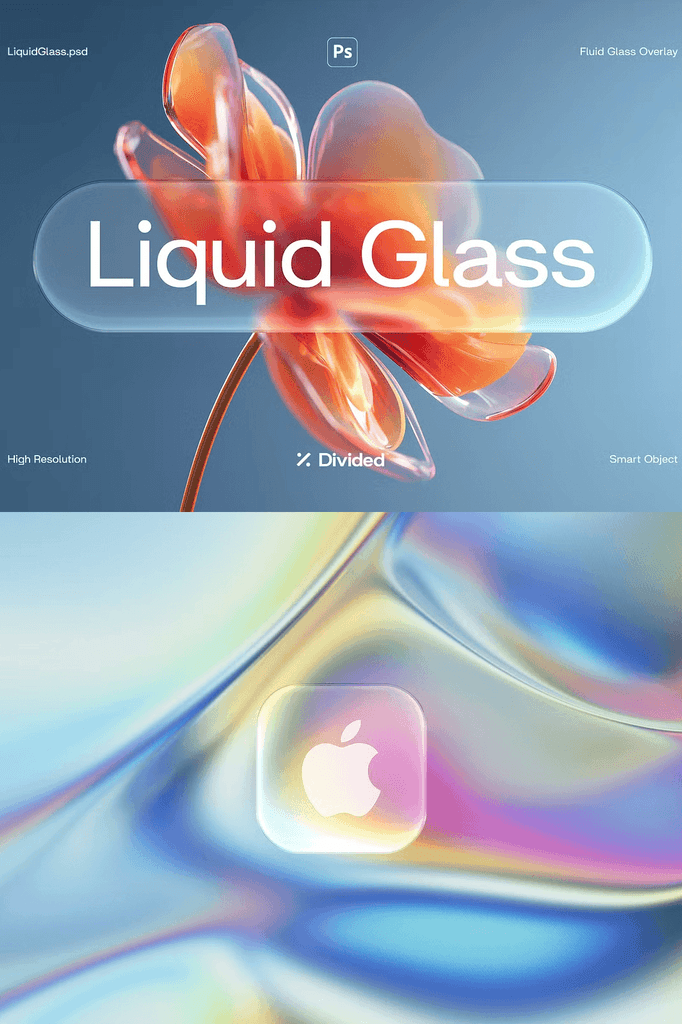
This Liquid Glass overlay effect brings a sleek, futuristic glass look to your text, logos, and shapes in seconds. This Photoshop effect transforms your designs into glossy glass objects with realistic depth, refraction, and shine.
Customization is effortless. Simply update the background image and adjust the glass object to fit your layout. All distortions, highlights, and refractions are applied automatically, giving your artwork a polished and professional finish without the need for complex setup.
Why Glass Effects Elevate Modern Design
Glass aesthetics dominate contemporary digital design. The translucency, refraction, and highlight details create a sense of depth and realism that flat graphics cannot achieve. As a result, your designs feel premium and forward-looking.
Moreover, the futuristic quality suits tech brands, fashion campaigns, and experimental creative work. In addition, the automatic distortion and refraction save hours of manual editing. Consequently, you can produce striking glass effects in minutes.
What Is Included in This Photoshop Effect
- Adobe Photoshop PSD file
- Smart object replacement for easy customization
- Easily editable layers
- High resolution at 300 DPI
- RGB color mode
- 3508 x 2480 px dimension
- Help file included
Every element is built for fast, professional results. The smart object structure means you can swap your design content without rebuilding the effect. In addition, the high resolution ensures crisp output for both print and digital use.
Perfect Uses for the Liquid Glass Effect
- Logo mockups and brand presentations
- Text effects for headlines and typography
- Social media graphics and stories
- Posters and promotional materials
- Product mockups and packaging concepts
- Website hero images and banners
- Album covers and music artwork
- Advertising and campaign visuals
- Presentation slides and pitch decks
- Creative and experimental projects
Whether you design for clients or create personal projects, this effect brings a polished, futuristic edge to every composition. Furthermore, the automatic refraction and highlight details ensure professional results every time.
Why Smart Objects Matter for Photoshop Effects
Smart objects preserve your original design content while applying complex effects. You can replace the artwork inside a smart object without losing the glass texture, shadows, or highlights. As a result, you can reuse the same PSD file endlessly with different designs.
In addition, smart objects maintain image quality when scaling and transforming. Consequently, your finished designs stay sharp and professional at any resolution.
How to Use the Liquid Glass Effect
Start by opening the PSD file in Adobe Photoshop. Next, update the background image to match your project. Then open the smart object layer and place your text, logo, or shape inside.
After that, adjust the glass object position and scale to fit your layout. The distortions, highlights, and refractions apply automatically. Finally, export your finished design for web or print use. Because the process is so simple, you can create stunning glass effects in minutes.
Download the Liquid Glass Overlay Effect Today
This effect combines a Photoshop PSD file, smart objects, high resolution, and automatic glass distortion in one convenient package. It gives designers, brands, and content creators everything needed to create futuristic, premium visuals.
Download the Liquid Glass overlay effect today and transform your text, logos, and shapes into glossy glass objects with realistic depth, refraction, and shine for your branding, posters, social media, and creative projects.